If your VertiGIS FM environment is configured for single-sign on with OAuth 2.0/OpenID Connect, users in your Entra ID tenant can authenticate just by navigating to the Base URL of your VertiGIS FM implementation. The system bypasses the standard sign-in screen and may prompt users to enter their Microsoft 365 credentials.
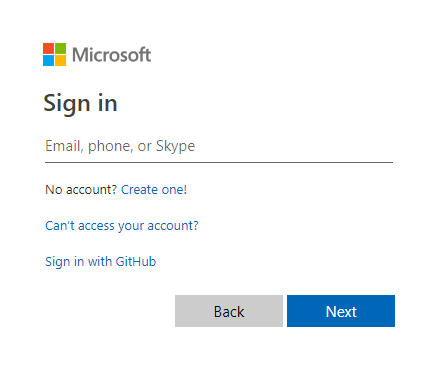
Windows Authentication Prompt
Refer to OAuth for more information about how to configure your VertiGIS FM implementation for OAuth 2.0/Open ID Connect sign in.